 mondegreen
Synced lyrics that sing along on top of your screen.
mondegreen is a free lyrics overlay for Windows. Every word lights up the moment it's sung, everything moves on the beat of the song, and one shortcut turns it into a full-screen lyrics visualizer.
No account. No Spotify Premium. Works with whatever's playing in the Windows media controls.
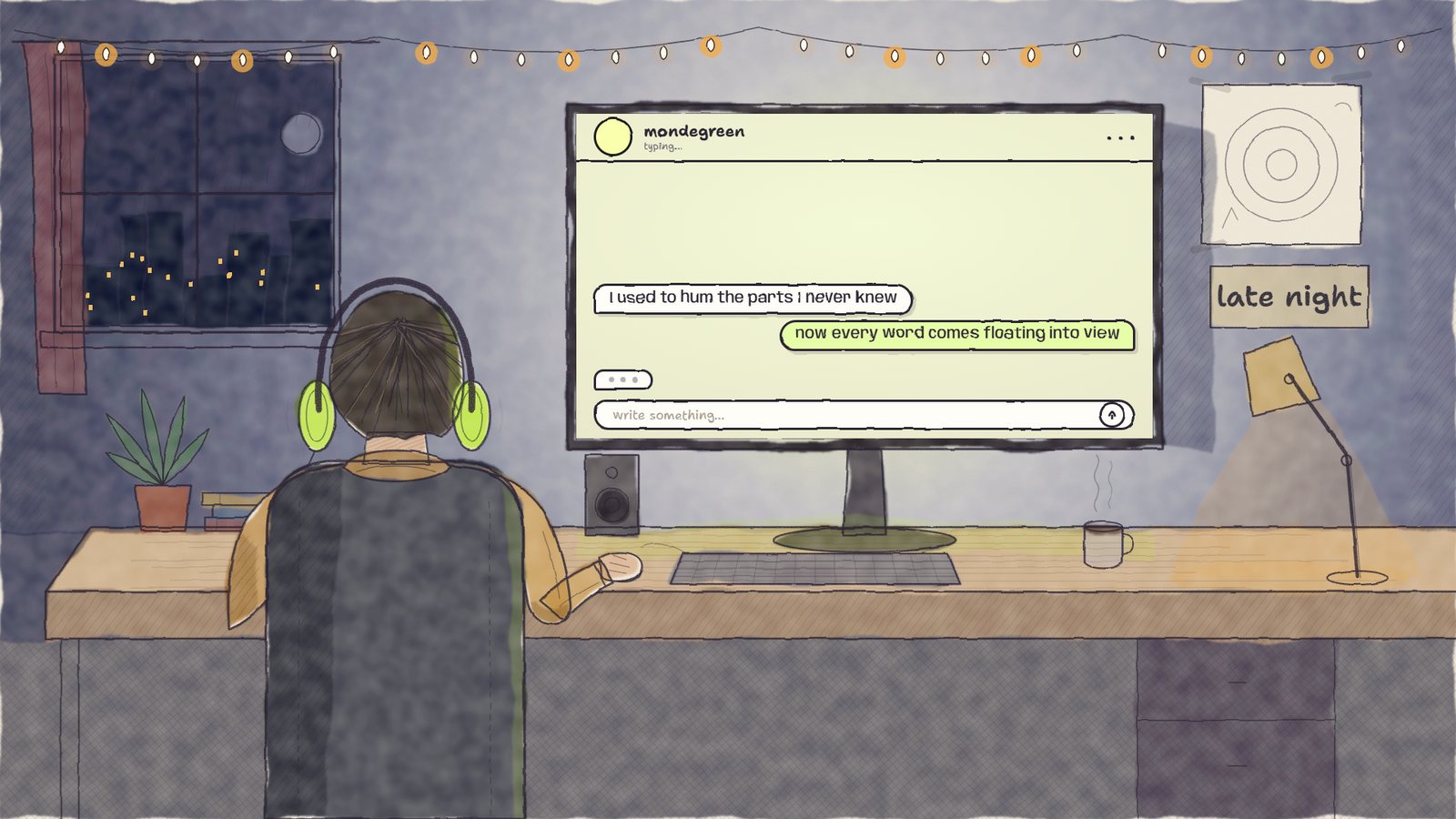

Never mishear a lyric again.
A mondegreen is a misheard lyric, like "'scuse me while I kiss this guy." This app shows you the real words, exactly when they're sung, without getting in the way of what you're doing.
Word-timed karaoke lyrics light up as they're sung, so you never lose your place in a fast verse.
A beat tracker listens to your speakers and locks onto the tempo. Lyrics land on the beat instead of reacting late.
A click-through overlay above every window. It hides when the music stops and stays light on your CPU.
It reads what's playing from Windows itself. No Spotify account, API key or subscription.
Every song paints the lyrics and scenes in its own album-art colours.
And any player in the Windows media controls. Titles like (Official Video) get cleaned up for you.
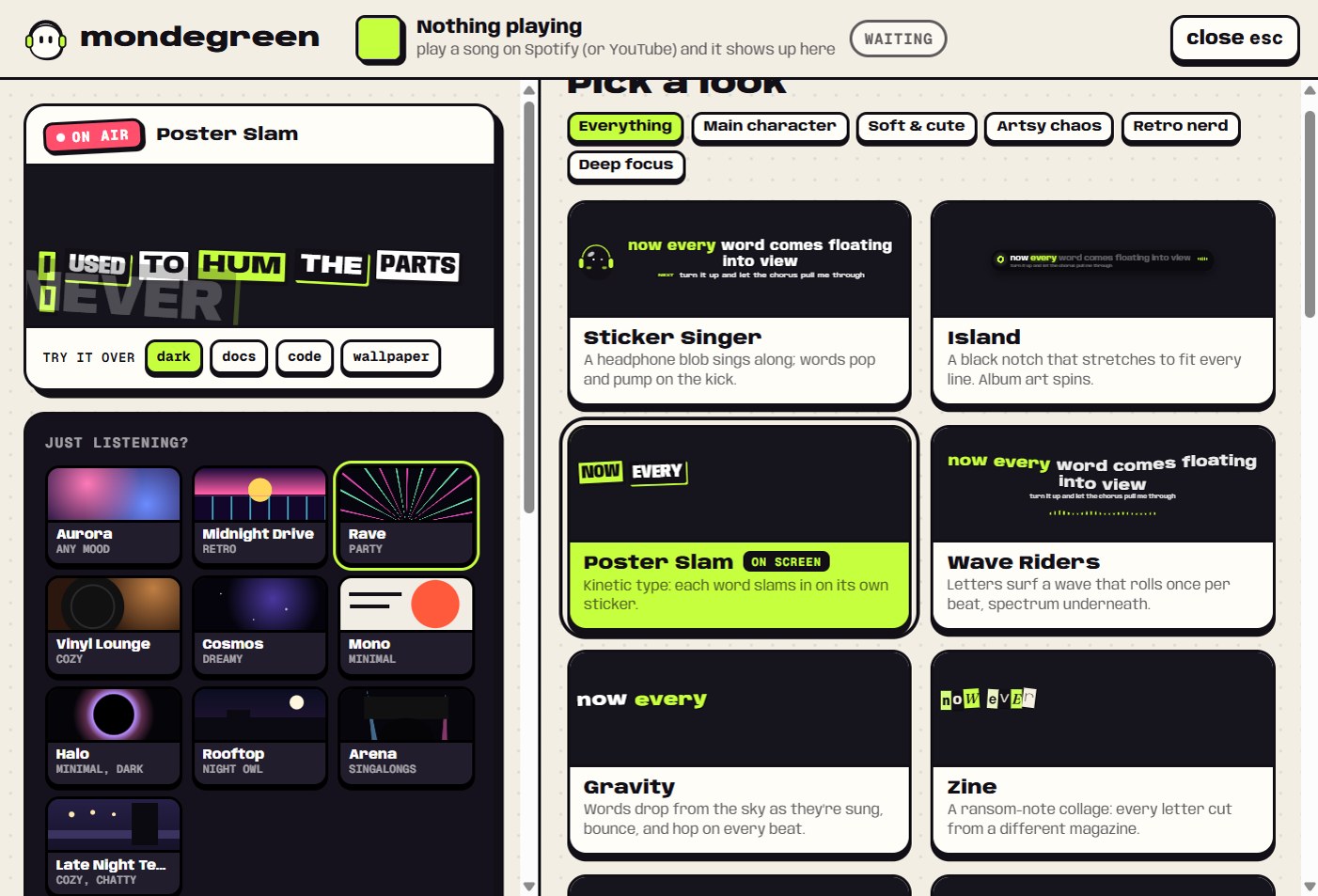
12 looks for your lyrics
Pick one in settings, where each look plays as a live preview, or flip through them with Ctrl Alt K. Filter by vibe: main character, soft & cute, artsy chaos, retro nerd, deep focus.
A full-screen lyrics visualizer, built from the song
When the music is the only thing on, lyrics fill the screen inside a world made from the cover's colours. Every scene moves on the song's counted beats and bars, never on random motion, with real objects that react to the music.
Settings that aren't a config file
- Live previews of every look, filtered by vibe.
- Place it anywhere: drag the bar on a little picture of your monitor, or drag the real lyrics and scroll to resize.
- Size, beat punch (from chill to unhinged) and colour from the album art or one you choose.
- Tap to sync, ±0.1 s nudges, remembered per song, plus a Bluetooth delay for wireless headphones.
- Next line, song tag and the Sticker blob on or off; hide 5 s, 15 s or 1 min after a pause; start with Windows; 60 or 30 fps.
Everything is one shortcut away
| Anywhere | Does |
|---|---|
| Ctrl Alt F | Listen mode, full screen |
| Ctrl Alt L | Hide or show the lyrics |
| Ctrl Alt K | Next look |
| Ctrl Alt T | Tap sync, as a line starts |
| Ctrl Alt [ ] | Lyrics earlier / later |
| Ctrl Alt M | Place the lyrics by hand |
| Ctrl Alt O | Settings |
| In listen mode | Does |
|---|---|
| Space | Play / pause |
| ← → | Previous / next track |
| 1–9 0 | Change scene |
| S | Next scene |
| L | Lyrics: lines / one big word / off |
| Esc | Leave listen mode |
From the song to your screen
Everything runs on your PC. The only things that leave it are the song's artist, title and length, to find lyrics and cover art.
Windows' media session gives the title, artist and the player's exact position, read by a tiny PowerShell script.
Word-timed lyrics from Kugou, line-synced lyrics from LRCLIB as a fallback, matched to the track's length and cached.
An AudioWorklet turns system audio into an onset envelope, finds the tempo and phase-locks a beat grid to it.
A capped 60 fps loop drives the overlay; listen mode runs one WebGL2 shader per scene. Everything stops when hidden.
Questions, answered
Do I need Spotify Premium or a login to see synced lyrics?
No. mondegreen never talks to Spotify. It reads the song title, artist and position from the Windows media controls, the same ones your keyboard's media keys use, so free Spotify works and there's nothing to sign in to.
Does it work with YouTube, Apple Music, Tidal or VLC?
If the player shows up in the Windows media flyout (the box that appears when you press a volume key), mondegreen can follow it. It's built and tested with the Spotify desktop app and YouTube in the browser.
How do I fix lyrics that are early or late?
Press Ctrl Alt T the moment you hear a line start. The lyrics snap to that line and the offset is remembered for the song. With Bluetooth headphones, set the Bluetooth delay in settings once.
Why are there no lyrics for some songs?
Lyrics come from Kugou and LRCLIB and must match the song's length within a few seconds, so a live version never gets studio timing. Very new, rare or instrumental tracks may have none; the overlay says so and steps aside, and listen mode keeps playing.
Windows says "Windows protected your PC". Is it safe?
The app isn't code-signed yet, so SmartScreen warns the first time. Click More info → Run anyway. The whole source is on GitHub under the MIT licence, and you can build the exe yourself.
Will it slow down my PC or games?
The overlay is capped at 60 fps (or 30), costs roughly half of one CPU core while animating and almost nothing when hidden. Press Ctrl Alt L to hide it.
What data does it send?
Only the playing song's artist, title and length, to Kugou and LRCLIB for lyrics and to the iTunes Search API for album art. The audio used for beat detection is analysed on your PC and never recorded or sent. There's no account, analytics or ads.
Sing along. Get it right this time.
Free for Windows 10 and 11. Install it, or run the portable exe from anywhere. Play a song and the lyrics show up.